
10 productivity hacks for personal trainers: automate & engage

TL;DR
- Automation and AI tools can save personal trainers 10-15 hours weekly by streamlining scheduling, onboarding, payments, and follow-ups.
- A balanced hybrid approach of automation for routine tasks and personal touchpoints enhances client retention and engagement.
- Tracking KPIs like admin hours, client retention, and session attendance validates productivity improvements and guides adjustments.
Admin overload is one of the biggest threats to a thriving personal training business. Between scheduling sessions, chasing payments, sending follow-ups, and onboarding new clients, admin tasks consume 15-20 hours every single week before automation enters the picture. That’s time you could spend coaching, building relationships, or simply recovering. The good news is that automation and AI tools are now accessible enough for any trainer to use, regardless of tech experience. This guide breaks down 10 practical productivity hacks, organized by impact, so you can reclaim your time without losing the personal touch your clients love.
Table of Contents
- Set your criteria: What makes a productivity hack work?
- Automate time drains: Scheduling, onboarding, payments, and follow-ups
- Leverage AI for smarter workout programming and feedback
- Comparison: Human, AI, and hybrid hacks side-by-side
- Track your results: KPIs and engagement after automation
- Why automation only works when it stays personal
- Ready to work less and engage more? Try TrainingPro's automation suite
- Frequently Asked Questions
Key Takeaways
Set your criteria: What makes a productivity hack work?
Not every shortcut is worth your time. Before you start stacking tools and automations, it helps to know exactly what you’re looking for in a productivity hack.
A genuinely useful hack for trainers should meet three core criteria:
- Measurable time savings: You should be able to track how many hours or minutes it frees up each week.
- Client engagement impact: The best hacks don’t just save you time, they also keep clients more connected and motivated.
- Ease of implementation: If setup takes longer than the time you’d save in a year, skip it.
Once you start implementing hacks, track the right KPIs (key performance indicators, meaning measurable business metrics) from day one. These include client retention rate, session attendance, response times, and weekly admin hours. Without a baseline, you won’t know if anything is actually working.
One of the most important decisions you’ll make is how much to automate. Full automation handles everything without your input, while a hybrid model uses automation for routine tasks and keeps you involved for anything personal. As automation research shows, the smartest approach is to use triggers for routine messages but batch your personalized communication so it still feels human.
The goal isn’t to remove yourself from the equation. It’s to remove the friction so you can show up fully where it matters most.
Strong client retention strategies almost always combine automation for consistency with human touchpoints for depth. Keep that balance in mind as you evaluate every hack in this list.
Automate time drains: Scheduling, onboarding, payments, and follow-ups
With criteria in place, we can pinpoint high-impact hacks. Start by tackling time drains in your workflow.
The biggest time sinks for most trainers fall into four categories. Here’s how much time each typically costs before automation:
Automating these admin tasks saves personal trainers 10-15 hours per week on average. That’s a significant shift in how you spend your energy.
Here’s how to get started:
- Audit your current workflow. Write down every recurring task you do manually each week.
- Rank by time cost. Which tasks eat the most hours? Start there.
- Choose one or two tools. Look at personal trainer software options that handle scheduling, payments, and onboarding in one place.
- Set up automations gradually. Don’t try to automate everything at once. Build confidence with one system before adding another.
- Test before you launch. Run through the client experience yourself to catch any gaps.
The right fitness automation tools will handle the repetitive work so you can focus on what actually requires your expertise.
Pro Tip
Start with scheduling automation first. It’s the easiest win and immediately frees up mental bandwidth for more important decisions.
Leverage AI for smarter workout programming and feedback
While general automation is crucial, AI unlocks another level of potential for programming and engagement.

AI-powered tools now automate workout programming, client feedback analysis, chatbot engagement, and even marketing, giving trainers real-time insights that used to require hours of manual review. This isn’t about replacing your expertise. It’s about scaling it.
Here’s where AI genuinely excels for trainers:
- Workout design: AI can generate personalized programs based on client goals, injury history, and training style in minutes.
- Progress feedback: Automated check-ins analyze client responses and flag anyone who’s falling behind or showing signs of burnout.
- Chatbot engagement: AI chatbots answer common client questions 24/7, reducing the volume of messages you need to handle personally.
- Marketing automation: AI tools can segment your audience and send targeted messages based on behavior, improving conversion without extra effort.
Stat to know: Trainers using AI-assisted programming report spending up to 60% less time on program design while delivering more personalized results.
The AI workout programming guide walks through exactly how to build this into your workflow. You can also explore AI workout builder strategies to see how other trainers are using these tools in practice.
Pro Tip
Use AI for repetitive programming tasks and automated check-ins, but write milestone messages yourself. A personal note when a client hits a big goal lands very differently than an automated one.
Comparison: Human, AI, and hybrid hacks side-by-side
At this point, you’ve seen what automation and AI can do, but how do these hacks stack up when compared directly?
The hybrid model wins for most trainers. But it’s worth understanding the risks of leaning too far in either direction.
Over-automation is a real risk. When every message feels templated and every interaction is handled by a bot, clients notice. Research on over-automation confirms that productivity habits, including automation, can backfire when applied without nuance. The same is true in coaching.
On the other side, AI coaching tools are powerful but not equipped to handle injury management, emotional support, or the kind of motivation that comes from a coach who genuinely knows their client. Experts consistently recommend hybrid models for this reason.
Things to protect from full automation:
- Injury conversations: Always handle these personally.
- Goal-setting sessions: These need your full attention and empathy.
- Milestone celebrations: A real message from you means more than any automated one.
- Difficult conversations: Cancellations, plateaus, and setbacks need a human voice.
Remember: Automation should handle the routine so you can be fully present for the moments that actually shape client loyalty.
For more on making AI work for you without losing your edge, the AI productivity tips for trainers resource is worth bookmarking.
Track your results: KPIs and engagement after automation
Knowing which tool is best isn’t enough. Here’s how to ensure your productivity gains are real and lasting.
Once you’ve implemented automation and AI tools, the next step is measuring whether they’re actually working. Many trainers skip this part, which means they never know if a hack is helping or quietly hurting their business.
Here are the five most important metrics to track:
- Weekly admin hours: Compare before and after. Industry benchmarks show a 45% reduction in admin time is achievable with the right setup.
- Client retention rate: Are clients staying longer? A 32% retention increase has been reported by trainers who automate consistently.
- Session attendance rate: Automated reminders reduce no-shows by 40-60%, so this number should improve.
- Client engagement score: Track how often clients open messages, complete check-ins, and respond to prompts.
- Revenue per client: More time and better engagement usually means higher lifetime value per client.
Watch for these warning signs that a hack is backfiring:
- Clients start responding less to messages
- Cancellation rates increase after you automate communication
- You receive feedback that your service feels less personal
- Engagement on check-ins drops below your baseline
Pro Tip
Set your baseline metrics before you change anything. Review results every 30 days for the first three months. This gives you enough data to make confident decisions without overreacting to short-term noise.
For deeper guidance on post-automation KPIs and client retention tips, both resources offer practical frameworks you can apply right away.
Why automation only works when it stays personal
Here’s a perspective worth sitting with: most trainers adopt automation to save time, but the ones who see the biggest long-term results use it to create space for more human connection, not less.
There’s a temptation to automate everything once you see how much time it saves. But clients don’t stay because your systems are efficient. They stay because they feel seen, supported, and genuinely coached. Automation can support that, but it can’t replace it.
The research is clear that using triggers for routine messages while batching personalized communication is the approach that actually moves retention numbers. It’s not about doing more automation. It’s about doing the right automation.
Small, thoughtful touches still have outsized impact. A voice note after a tough session. A personal message when a client hits a milestone. These moments cost you five minutes and build loyalty that no automated sequence can replicate.
If you want a framework for retaining personal training clients long-term, the answer isn’t more tools. It’s using tools to protect your time so you can invest it where it actually counts.
Ready to work less and engage more? Try TrainingPro's automation suite
Every hack in this guide is something you can start acting on today. But having the right platform makes all the difference between scattered tools and a system that actually runs your business.
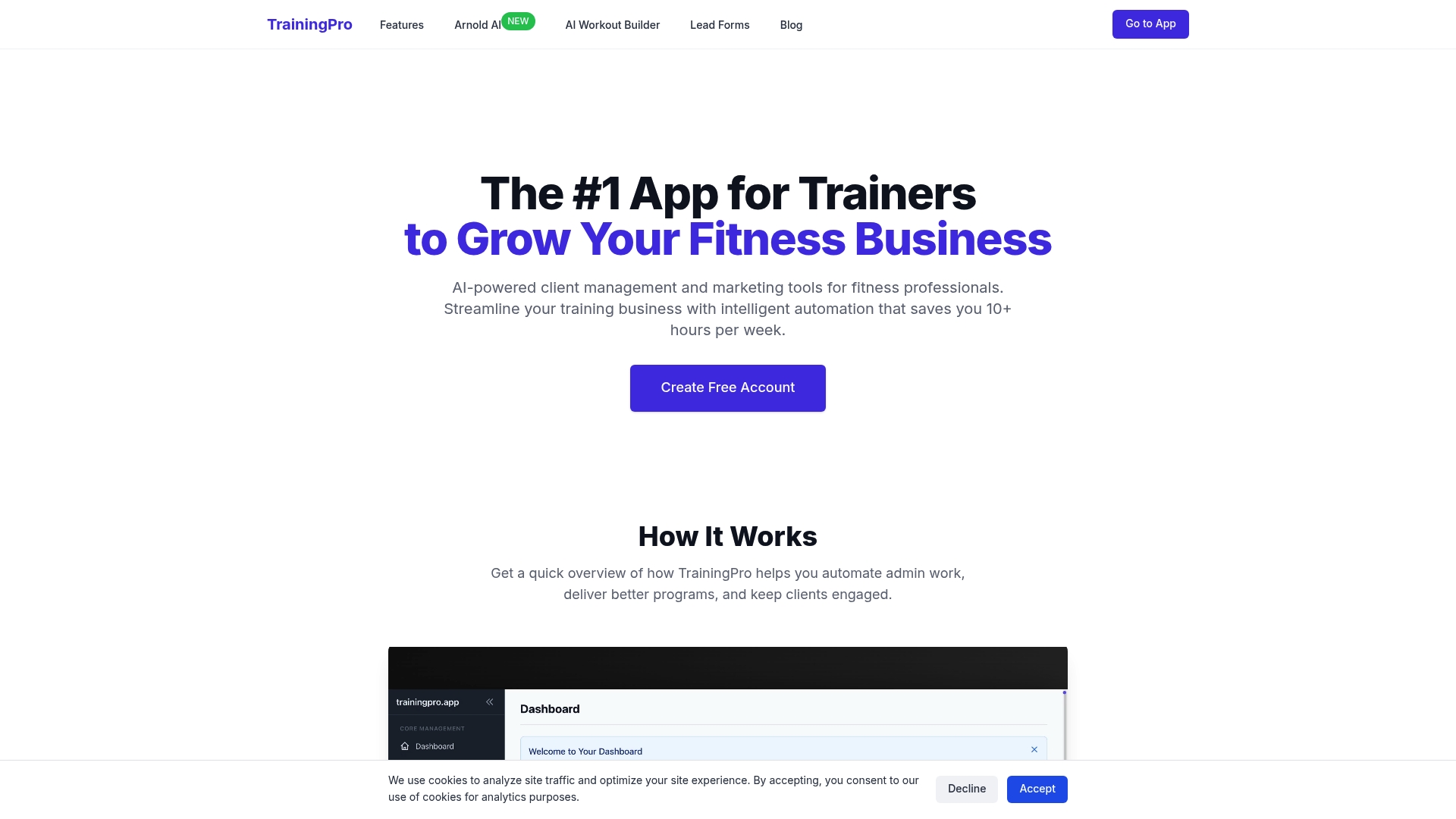
TrainingPro brings together scheduling, client management, AI-powered workout programming via Arnold AI, automated check-ins, and marketing tools in one place. You can explore the AI workout builder to see how fast personalized programming can be, download the free AI workout builder ebook to go deeper on strategy, or head straight to the TrainingPro platform to see the full suite. Less admin. More coaching. That’s the goal.
Frequently Asked Questions
Automation saves trainers 10-15 hours per week on average by handling scheduling, payments, onboarding, and client communication without manual effort.
AI enhances engagement and scales your reach, but hybrid AI-human models consistently outperform full automation because empathy, injury management, and nuanced coaching still require a real person.
Focus on client retention rate, session attendance, weekly admin hours saved, and engagement rates. TrainerMetrics data shows a 45% admin time reduction and 32% retention increase are realistic targets.
Yes. Over-automation can backfire by making client communication feel impersonal, which can quietly erode trust and increase cancellations over time.
Recommended
- Boost client retention in personal training: 2026 strategies | TrainingPro
- Business tools every trainer needs for growth in 2026 | TrainingPro
- Business growth strategies for trainers in 2026 | TrainingPro
- Optimize fitness operations with software and AI tools | TrainingPro
Ready to Transform Your Fitness Business?
Join thousands of trainers using TrainingPro to automate admin, grow their client base, and focus on what they love—coaching.
Start your 14-day free trial • Cancel anytime


